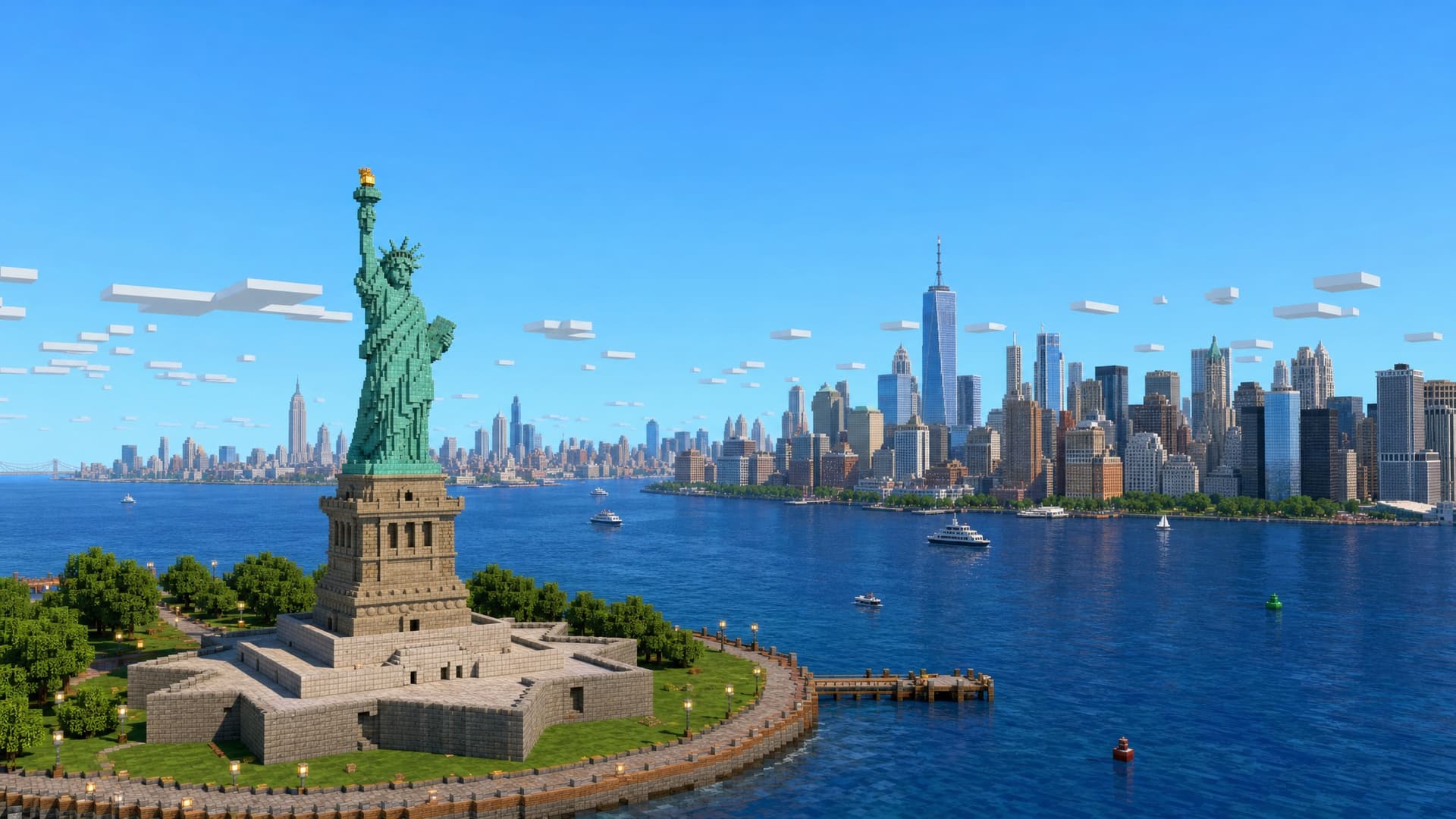
How to pick an area that makes a great Minecraft world
MapMC builds your world from real OpenStreetMap data. That means the quality of your world depends heavily on how well-mapped the area is. Here's how to pick a spot that turns out great.
Cities and towns are gold
OpenStreetMap is richest where people are. Dense city centres, downtowns, and tourist areas have detailed buildings, roads, parks, and water — exactly the stuff that becomes interesting Minecraft geometry.
Try: Manhattan, central Paris, Shibuya, central London, or your hometown's main street.
Empty areas stay empty
If you draw a rectangle over open countryside, desert, or ocean, there's little OSM data there — so your world will be mostly terrain with few buildings. That's not a bug; there's simply nothing mapped to build. If your result looks bare, pick somewhere more built-up.
Landmarks make great centrepieces
Famous structures — the Eiffel Tower, a stadium, a bridge, a cathedral — are usually mapped in detail. Centre your rectangle on one and you get an instant focal point.
Size is a trade-off
Bigger areas cost more and take longer, and a broad region can feel sparse to explore. A tight box around a neighbourhood or a single district often makes a denser, more playable world than a sprawling 22 km² selection.
Quick checklist
- ✅ Built-up area (city, town, campus, port)
- ✅ Centred on a landmark or main street
- ✅ Sized to what you'll actually explore
- ❌ Open ocean, desert, or unmapped countryside
Found your spot? Open the generator →.