Minecraft Dungeons II vs Minecraft: Which Game Fits You?
Compare Dungeons II with Minecraft Java and Bedrock: building, equipment builds, devices, co-op, and which game opens a MapMC world.
Updated 2026-10-03 · MapMC Editorial
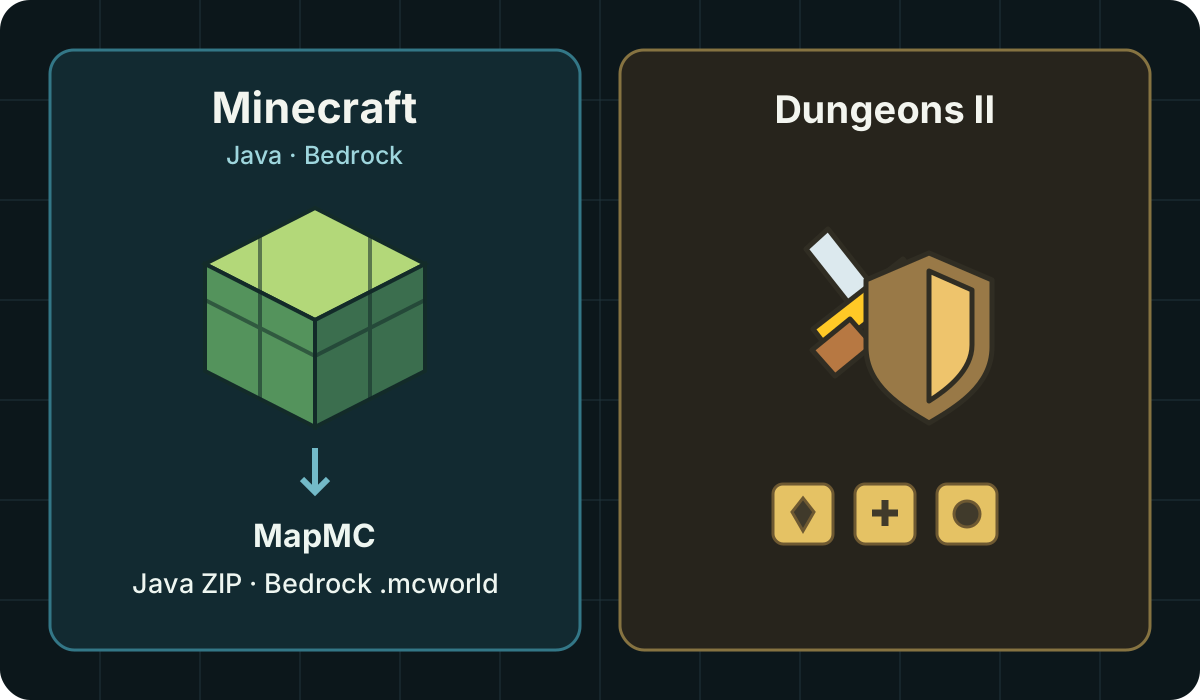
Minecraft Dungeons II is a separate action RPG, not a Java or Bedrock update. Choose Minecraft if you want to build and edit a world; consider Dungeons II if you want combat, loot and a story adventure. The official game FAQ makes this distinction. MapMC generates worlds for Minecraft Java and Bedrock, not Dungeons II.
Compare the task you want to do
| Your goal | Minecraft Java / Bedrock | Minecraft Dungeons II |
|---|---|---|
| Build a city or change terrain | Sandbox world building | Combat and story exploration |
| Improve a character's equipment | Part of survival play | A central progression task |
| Play with friends | Check their Edition and connection setup | Check local or online co-op requirements |
| Use a MapMC real-place world | Choose Java ZIP or Bedrock .mcworld | No MapMC delivery option |
| Choose a device | Availability differs by Edition | Check the separate Dungeons II platform list |
The table is a choice aid, not a complete feature list or a performance benchmark. For differences inside Minecraft, use the Java versus Bedrock guide.
“Builds” means equipment here
In Dungeons II discussions, a build means a character setup: weapons, armor, enchantments and other gear working together. It does not mean a downloadable city or a building blueprint. Mojang's gameplay systems overview describes equipment slots and talismans that shape those choices.
An interconnected adventure world does not by itself make a game a free-building sandbox. The GamesRadar hands-on review also distinguishes its combat focus from mining and crafting. This page does not rank loadouts or promise that Minecraft mods work in Dungeons II.
Check your device and friends before buying
As checked on October 3, 2026, the official Dungeons II FAQ lists Windows/Steam, Xbox Series X|S, PlayStation 5, Nintendo Switch and Switch 2. It does not list native macOS, Linux, Android or iOS releases. Java runs on Windows, macOS and Linux; Bedrock covers Windows, mobile and supported consoles. Check the official Edition comparison and your device's current store listing.
- Confirm the exact game name on your friends' installations; the shared Minecraft brand is not enough.
- For Minecraft, confirm Java or Bedrock. For Dungeons II, check the supported co-op mode, accounts and any online subscription requirements on your platform.
- Buying a game and buying a MapMC generation are separate purchases. Do not assume one includes the other.
This is a documentation comparison, not a Dungeons II client test. Store availability, regional prices and account requirements may change.
Choose the right MapMC world file
- Open the Minecraft game you intend to use and confirm its Edition. Check device and import access, especially on consoles.
- In the real-world Generator, select the matching Java or Bedrock output before generating.
- Keep the original download. Java arrives as a ZIP containing the world; Bedrock arrives as
.mcworld. Follow the Edition-specific import steps. - Verify the imported world in Minecraft before arranging multiplayer. If it fails to appear, stop and use the world-not-showing checks.
MapMC creates a new world from a selected real location. It does not supply a Dungeons II campaign, equipment optimizer or game license. A file extension change does not turn one game's content into another game's world.
Shared branding does not prove save compatibility
An account, cosmetic reward or familiar mob appearing in both games is not evidence that their saves can be exchanged. There is no Dungeons II import path in MapMC's current world workflow. Do not overwrite a save or install an unknown converter to try to make one work.
If you want to modify an existing Minecraft world, first preserve and verify a backup. If you simply want a combat adventure, use the official Dungeons II information above; a MapMC map is not required.
Sources and review basis
We use official documentation where available and show the references used for factual claims.