AI block & item texture generator
Minecraft AI Texture Generator
Turn a clear text direction into 1–4 original Minecraft-style texture candidates for a block or item, inspect each at 16×16 or 32×32, edit its pixels in the browser, and download the original or your edited PNG. This is not Image Converter, Pixel Art Generator, a block-palette planner, map-art workflow, or a full resource-pack maker.
01 / MapMC
What this generator can create
MapMC turns your description into 1–4 Minecraft-style block surfaces or item icons.
Auto-plays; swipe sideways to browse every example.
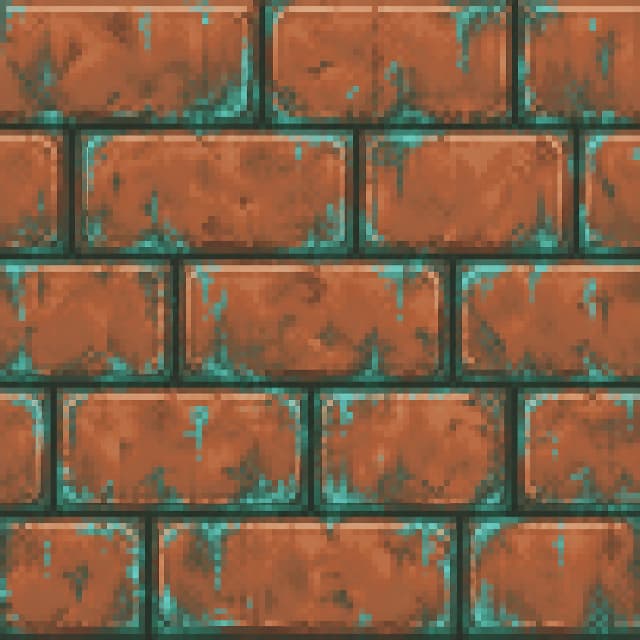

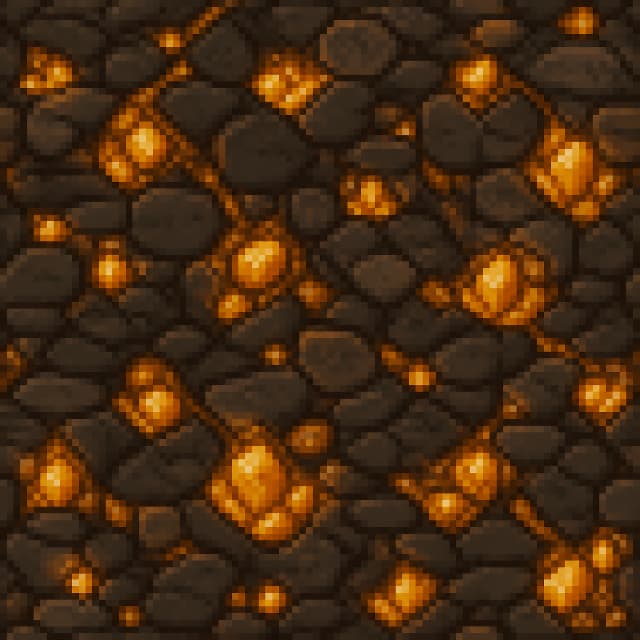

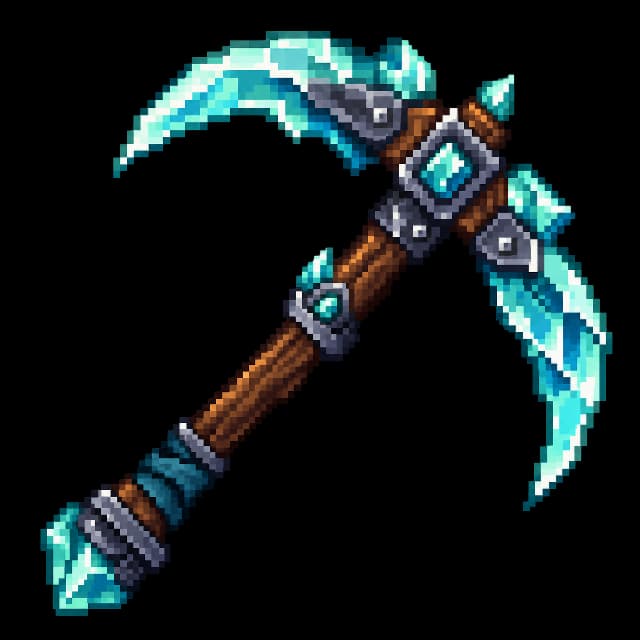
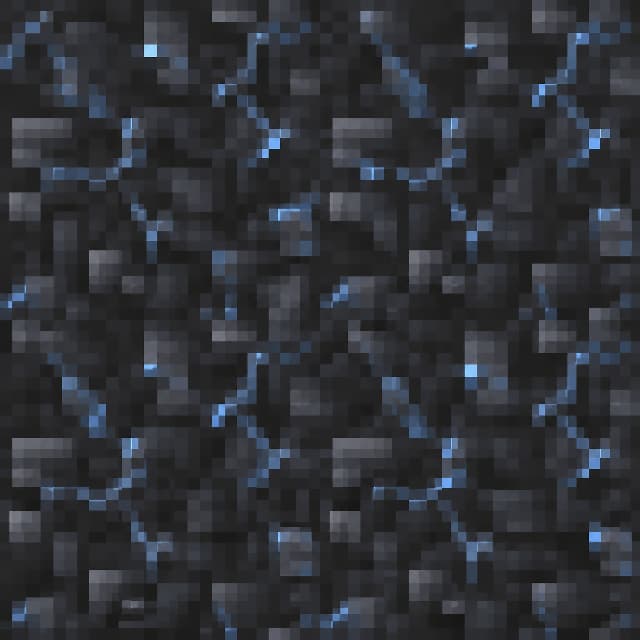


AI Texture Generator
Create a block surface or item icon.
Choose the target first, describe one texture, then generate 1–4 images.
Generated results
Generation record
Your generated images will appear here. Choose Block or Item, then describe what you want to make.
Use and rights boundary
AI output can need editing and may resemble third-party work. MapMC does not promise originality, trademark clearance, seamless tiling, direct Minecraft import, or a particular commercial use. You are responsible for your prompt and final use; do not request Mojang assets, a named living artist’s style, unlawful content, or safety bypasses.
How to use the AI Texture Generator
- 01Describe one original block or item texture, choose the target, resolution, material direction, and allowed background.
- 02Sign in, verify your email, choose the image count, review the displayed Credit cost, and start generating.
- 03When every selected candidate is downloadable, inspect tile previews, edit each pixel buffer independently, and download the original or edited PNG you need.
- 04For Java 26.2, choose the existing block or item texture to replace, download the ZIP, keep it compressed, and enable it under Options → Resource Packs. The ZIP changes one existing texture; it does not add a new block or item or create a full multi-texture pack.