Minecraft Java 26.3 update: changes from 26.2 and MapMC support
Compare the Minecraft Java 26.3 update with 26.2, check MapMC Seed Map and tool support, and safely test a copy of your generated Java world.
Updated 2026-10-13 · MapMC Editorial
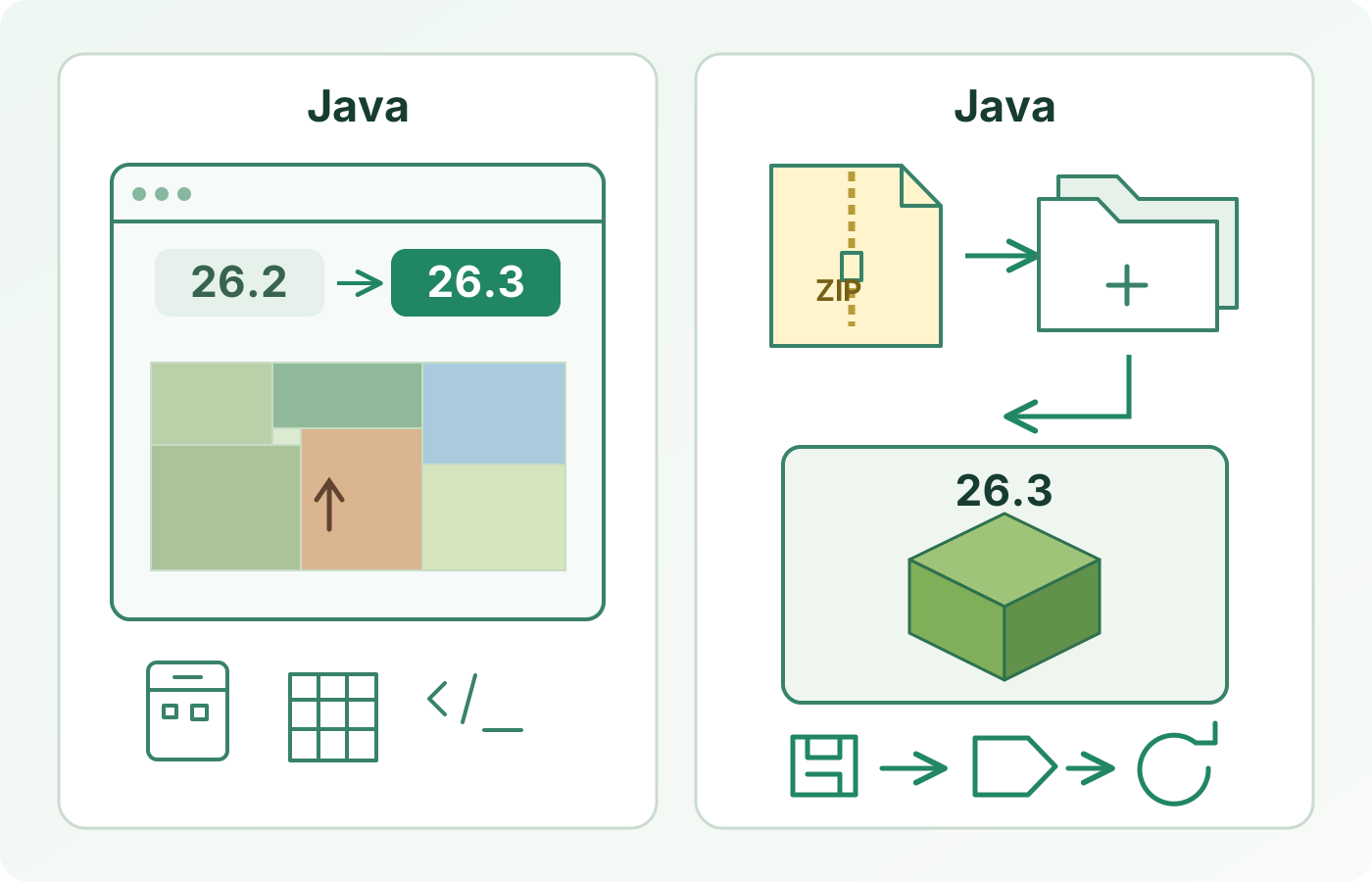
MapMC now supports Java 26.3 in its Seed Map and six existing Finders, while keeping Java 26.2 available. Wilderness Bound adds Dappled Forests, Abandoned Camps and new Explorer Map rules. This guide compares 26.3 with 26.2 and explains how to check a generated Java world safely.
What changed from 26.2 to 26.3?
| Area | Java 26.2: Chaos Cubed | Java 26.3: Wilderness Bound |
|---|---|---|
| Exploration | Sulfur Caves and Sulfur Cubes were the headline additions | Dappled Forests and Abandoned Camps are new places to discover |
| Maps | Existing Explorer Map behavior | Explorer Maps become distinct items; older maps convert when the world loads, and zooming out is no longer supported |
| Other changes | Friends List and experimental Vulkan graphics | World-generation performance work and other fixes; see the official notes for the full list |
| Technical pack versions | Data Pack 107.1; Resource Pack 88.0 | Data Pack 121.0; Resource Pack 97.1 |
This is a comparison of Java Edition stable releases, not Bedrock, Preview or Snapshot. The Java 26.2 guide explains Chaos Cubed in detail. Mojang's Java 26.3 release notes are the source for the complete Wilderness Bound changes; a short comparison should not replace that changelog.
What can you use in MapMC?
Choose the same Java version as your game. MapMC's support differs by feature:
| MapMC feature | Java 26.3 support | What to check |
|---|---|---|
| Seed Map and six Finders | Java 26.3 and 26.2; Dappled Forest is included for 26.3 | Match the version selector to your save. The six targets are biomes, villages, Ancient Cities, strongholds, Trial Chambers and woodland mansions. There is no Abandoned Camp Finder. |
| Free item and command tools | The item list, stack and inventory calculators, and command generator use Java 26.3 data | Use the version and limits shown by each tool; this is not a Bedrock or mod compatibility claim. |
| Generated Java worlds | One small MapMC test world opened, saved and reopened in the official Java 26.3 client | Check a copy of your own ZIP. This sample does not certify every map, resource pack, mod or server. |
These checks were completed on October 13, 2026. The generated-world check used a small local test, not a production order. If Minecraft warns that a resource pack is outdated, check the pack separately from the world file.
Should you update a MapMC world now?
If you want to explore the new vanilla features, test a copy of your existing Java world in the stable 26.3 client. Keep the downloaded MapMC ZIP or original save untouched. A newer client may modify world data when it opens and saves it; a successful first launch alone is not enough evidence.
- Record the current Java version, world name, and any required resource packs. Keep an independent copy of the source ZIP or save.
- Extract or copy to a clearly named test world. Check that its folder directly contains
level.datbefore placing it in the Javasavesdirectory. - Open the copy in Java 26.3. Inspect spawn, terrain, roads and buildings; inspect supplied map items if present. New 26.3 terrain features are not promised inside an already generated MapMC area.
- Save, exit the client, reopen the same copy, and repeat the checks. Confirm any pack warning separately from world-file behavior.
- Keep the original and the tested copy. If the world is missing, content changes unexpectedly, or save/reopen fails, stop and return to the original rather than repeatedly modifying it.
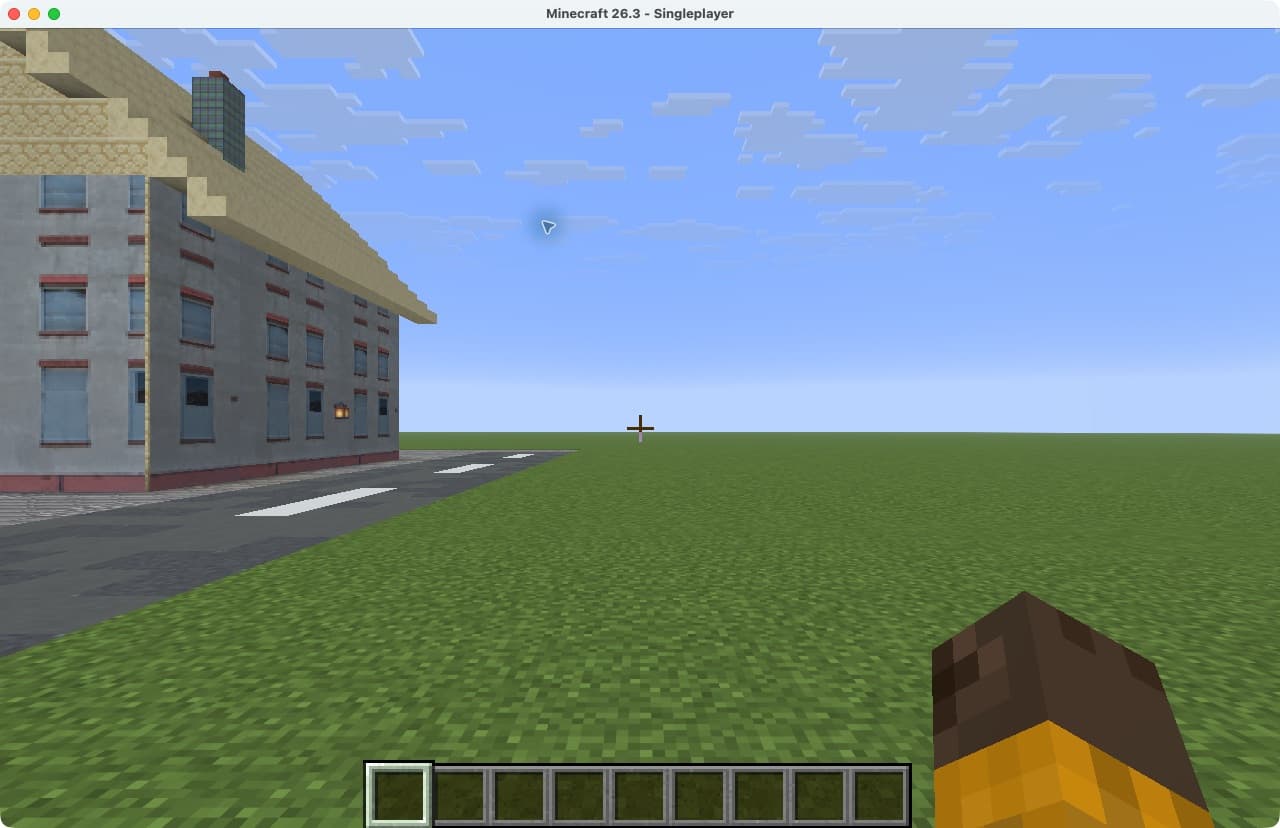
For the detailed backup and recovery path, follow opening a world in a newer Minecraft version safely. A client opening one sample does not prove all 26.3 combinations, and a Java world ZIP is not a Bedrock .mcworld conversion.
What about Explorer Maps and new locations?
Java 26.3 changes Explorer Maps as game items. Existing Explorer Maps convert when a world loads; zooming them out no longer works. If a MapMC world includes a map item, inspect that item in the test copy and again after save/reopen. Do not infer from the release notes that MapMC generates an Explorer Map for the new places.
Dappled Forest is available in MapMC's 26.3 Biome Finder. Abandoned Camps are still not a Finder target. Generator recreates the real-world area you select; new vanilla biomes and structures are not guaranteed inside that area. Use the Seed Map only for the versions and targets its own interface lists.
Quick decision
- Reading about the game update? Use the official 26.3 notes for complete game and technical changes; this page compares the user-facing differences and MapMC boundaries.
- Using a MapMC Seed tool? Select Java 26.3 or 26.2 to match the version of the world you are playing.
- Opening a generated Java world? Test a named copy in Java 26.3, then save, exit and reopen before relying on it.
- Using a resource pack, mod or server? Check that component's own version evidence. The client sample does not certify third-party software.
- Using Bedrock? Follow the Java versus Bedrock guide and the relevant Bedrock release notes; Java 26.3 results do not cross editions.
Support checked on October 13, 2026. Check the version and limits listed by your tool. For a generated world, verify your own copy before relying on it.
Sources and review basis
We use official documentation where available and show the references used for factual claims.